AutomAIte
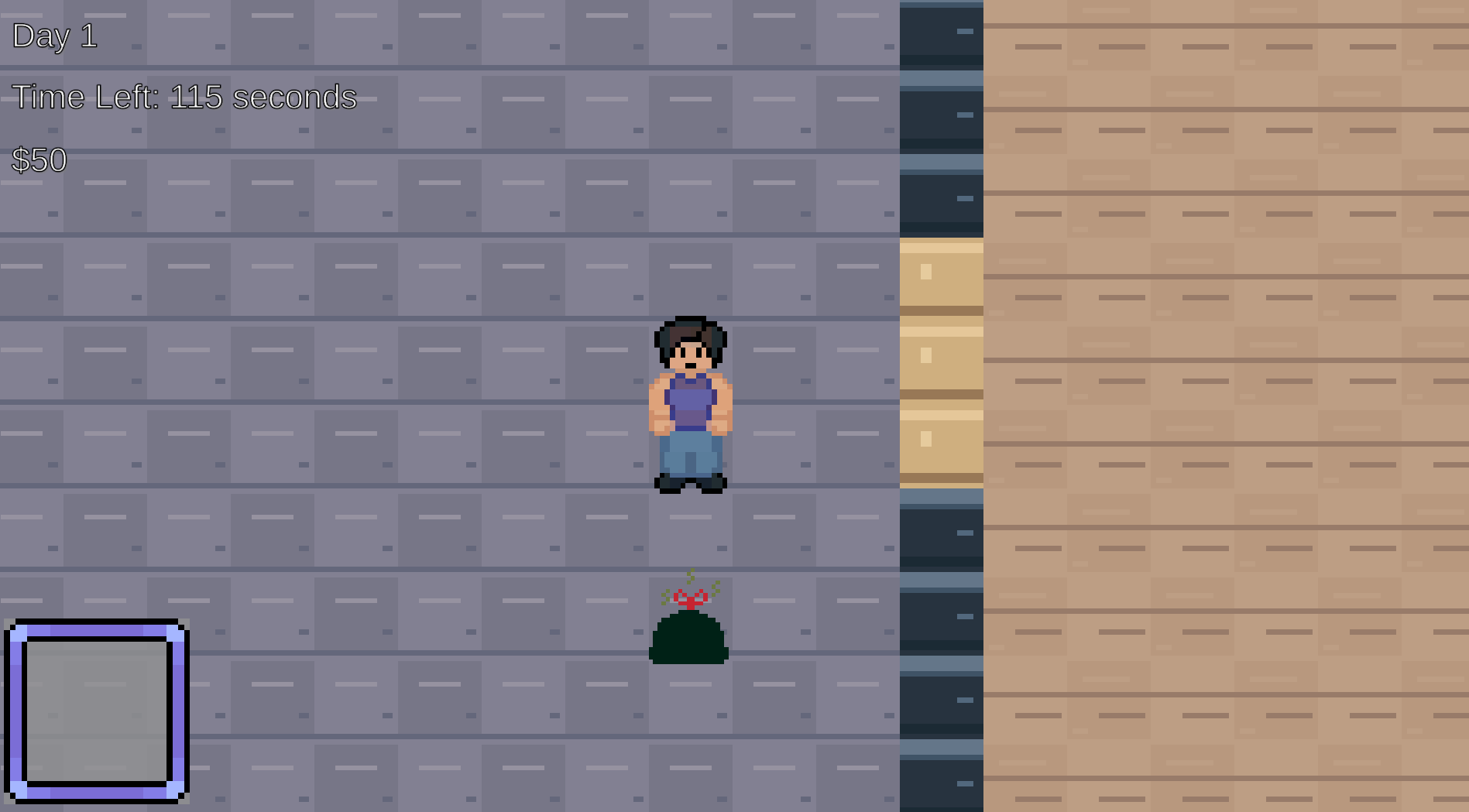
In AutomAIte you must complete tasks around your home and avoid getting fired for showing up to work with dirty clothes on or smelling like trash. You can purchase robot assistants to help out with your daily load, but be sure not to become too dependent on them...
Note: this game was made in 2 weeks for our Experimental Game Design class
Credits:
Designer/manager:
Maddie Mullins
Programmers:
Maddie Mullins
Edward Tian
Gabe Dellario
Artists:
Antoine Burrell
Jack Hu
Sound credits:
Background music:
sunixMuz - bizarre Place (FREE CCBY) by SunixMuz -- https://freesound.org/s/767856/ -- License: Attribution 4.0
Purchase Items:
Cash Register Purchase by mokasza -- https://freesound.org/s/810182/ -- License: Attribution 4.0
Select Items:
Menu_Select_00.wav by LittleRobotSoundFactory -- https://freesound.org/s/270401/ -- License: Attribution 4.0
Comments
Log in with itch.io to leave a comment.
The home-chores-versus-getting-fired idea is a fun hook, and the Day 1 screen with the countdown and the $70 balance looks clean. I got into the web build and started Day 1, but I could not work out the controls: arrow keys, WASD, space and clicking did nothing for me, and the timer ran down from 86 seconds while I tried. Feedback: a short controls line on the page or on the title screen would help a lot, and a one-sentence goal at the start of Day 1 (what to do first, where the robot shop is) would stop players burning the first day. If it is controller or touch only, say so in the description. Good luck with the class project.
The controls should just be WASD to move and E to interact with in-world objects. Thank you so much for the feedback! I'm sorry the controls weren't working right for you. I am not sure why that happened